⧉
Multi-account cloning
Clone an app and stay logged in to several accounts of the same service at once. Each clone runs in its own isolated session.
ShellBox lets you clone your apps into isolated spaces on a single phone. Stay signed in to multiple accounts at once, keep work and life apart, and lock everything behind a passcode.
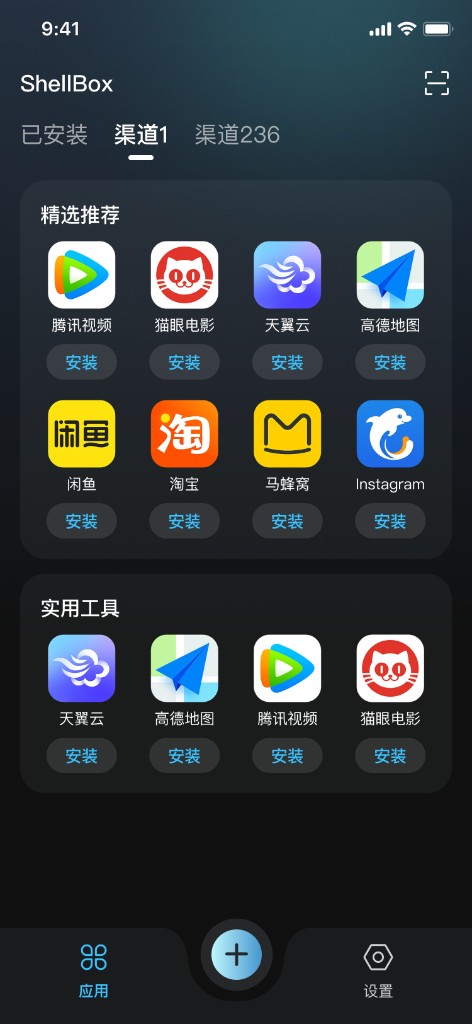
ShellBox uses on-device container technology to keep every account independent, private and effortless to switch.
Clone an app and stay logged in to several accounts of the same service at once. Each clone runs in its own isolated session.
Group your clones into channels like Work, Life or side projects, and switch between them in a single tap.
Lock any space behind a passcode. Sessions and data stay protected on your device — not synced to the cloud.
Hide ShellBox behind a neutral icon, and use shake- or flip-to-hide gestures to keep prying eyes away.
Add apps quickly from curated recommendations and utilities, then open each one inside its own space.
Unlock unlimited spaces, remove ads and enable advanced protection with a Premium plan.
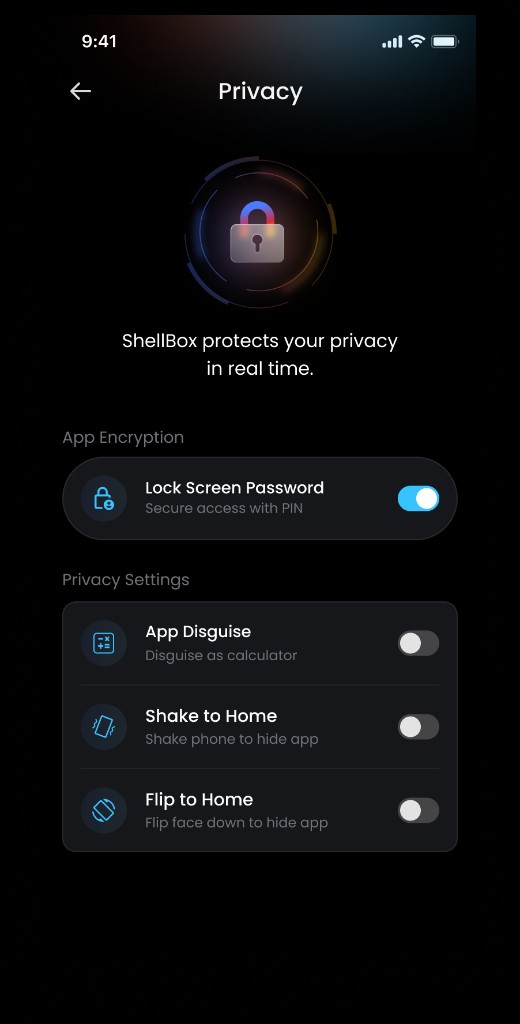
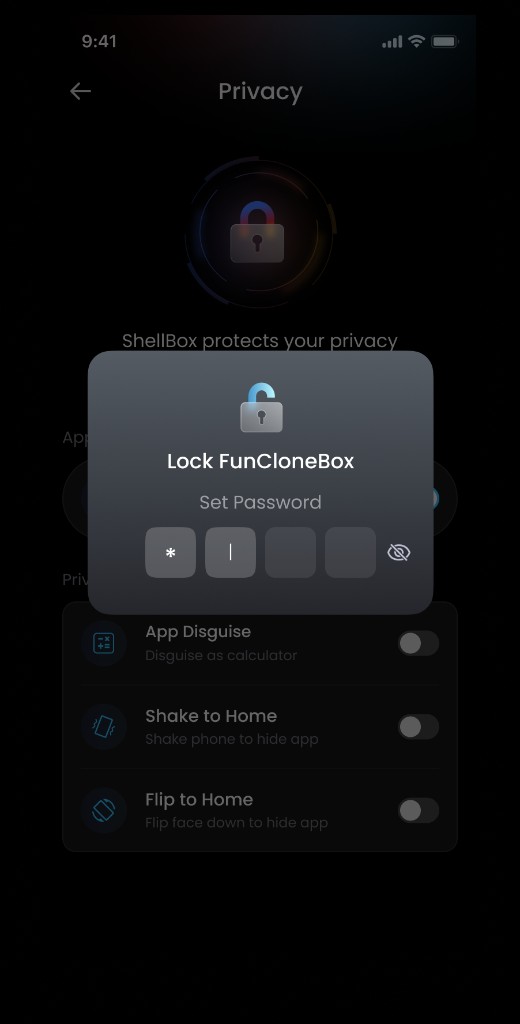
Whether you separate work from personal life or juggle several business accounts, ShellBox gives each identity a secure, independent home. No repeated logins, no crossed wires — just one place to stay in control.
ShellBox is built around keeping your accounts and files yours alone.
Secure the whole app or an individual space with a passcode so only you can open it.
Change the launcher icon and name so ShellBox blends in with everyday apps.
Instantly send the app to the background with a quick gesture when you need privacy fast.
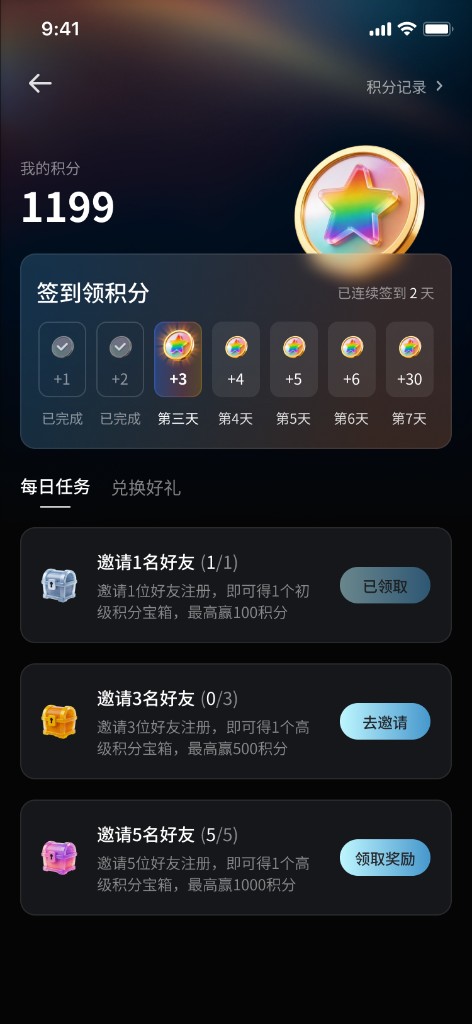
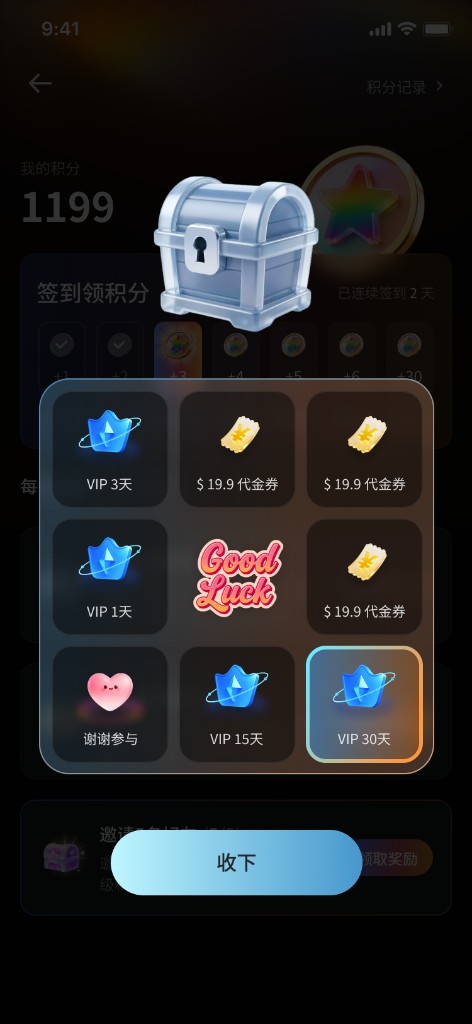
Earn points through daily check-ins, tasks and inviting friends — then redeem them for Premium time and perks. No purchase required to get started.
Available exclusively on Google Play. Set up your first private space in under a minute.
GET IT ONGoogle Play